Zooom gets much faster

This is an under-the-hood update, but much needed since I released Zooom.

With the release of the Fable model, I thought it'd be interesting to ask it to look into performance improvements.

Zooom used to re-encode the whole video from scratch, just to attach audio. Not anymore. The export now copies the already-encoded video straight through instead. Also, the Photo mode used to redraw the full-resolution photo into a fresh buffer every single time, 450 times. This made for very slow processing. Now it draws it once and reuses that same buffer 450 times.

Lastly, the library grid used to refetch your whole zooom album every time you opened it or recorded something new. It now listens for changes instead, and thumbnails are cached rather than decoded fresh on every scroll.
Zooom, refreshed for iOS 26

Zooom got its spring cleaning: a new icon, simpler screens, and a proper pass for iOS 26.

I redesigned the library sheet, cut down the buttons, and made recording glow around the edges of the screen so you always know when it's on.

The onboarding flow is way better too. There's a welcome screen now, and the app asks for permissions properly instead of assuming you'll figure it out.

Zooom in the share sheet

Zooom is now bidirectional. You share a picture from anywhere via the share sheet and turn it into a zooom with your favourite music loop.

The library

Everything you record with Zooom lands in its own album, and now you can browse it without leaving the app.

The library button wears the thumbnail of your latest video. Tap it and you get the grid: everything you've made, with durations, a share sheet, and a little haptic tick on every touch.

Photo mode

Zooom now takes photos. Sort of.

Tap instead of drag, and the app captures a single photo, then turns it into a 15-second video with your selected loop playing over it. A still image with a soundtrack, ready to share anywhere.

Getting there was a battle: upside-down photos, mirrored videos, audio that stopped halfway. A full day of fixes for a feature that looks like nothing. That's usually a good sign.

zooooooom.com

I've published a tiny site presenting the Beta version Zooom. It's simple, but playful, just like Zooom is so far.

Public Beta

The beta is now open to the public, and I got a couple of strangers (who knows how they found the link) and friends/family members testing the app. Try it for yourself

You can zoom in two directions, from both front and back cameras, with 4/5 loops. I'm adding more loops and features slowly.

Backlog

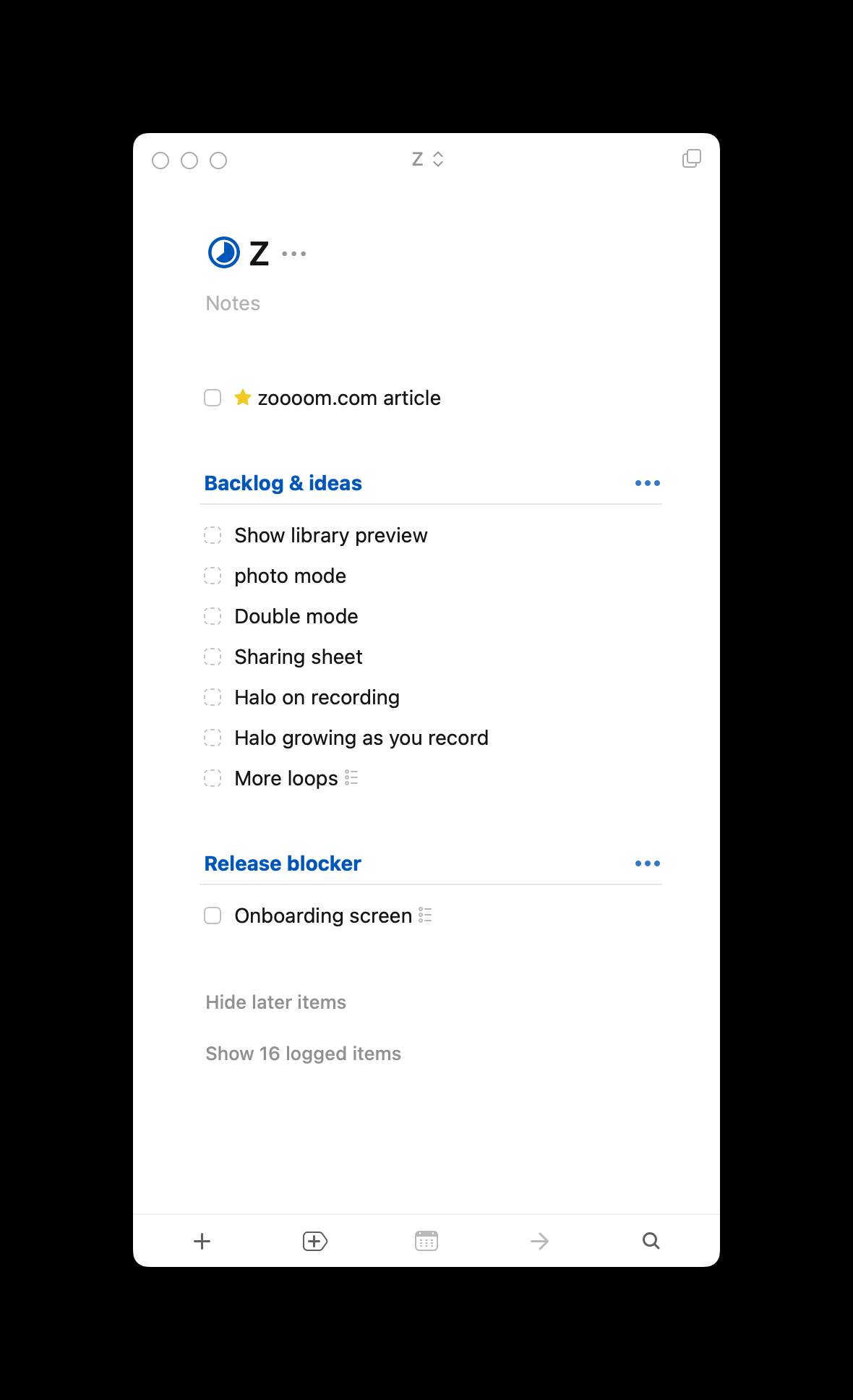
This is my to-do list at the time of writing. I'm struggling to add the halo shown on the video preview in the export (and ideally as an export option). The next most important item is the onboarding. I'm not super excited to work on this, I don't know why, but I have to do it sooner than later.

Selfie mode

Filming yourself zooming in on your own face with a sad saxophone underneath is exactly as ridiculous as it sounds.

Build (1)

About a month ago, I set out to prototype the revival of an app I loved—one that existed back in the day, back when Instagram had 8 photo filters and no reels.

My main trade is software design, not engineering. I can hard-code HTML/CSS, I understand the basics of React but I know nothing, absolutely nothing about Swift.

For this app, I wanted to build it on my own—for two simple reasons: the complexity of the App seemed relatively low, and I wanted to move quickly while I was still excited about it.

I found in the past that, yes, you can go further with the help of friends or others, but the effort to coordinate and/or agree on the smallest details takes the fun away from these types of side projects.

For this one, fun is the main goal. So over the past few weeks, I've spent a couple of hours here and there, dabbling in what the used-to-be cool kids call vibe coding.

A couple of prompts to Cursor, and the app was running locally on my phone. I specifically skipped the step—I'll focus on the UI later.

For this V1, I just wanted the app to run. Run smoothly, so I could show it as quickly as possible. Right now users can pick between two audio loops and record a video from the back camera.

The recorded video only includes the audio from the loop. If I remember correctly, that wasn't possible with the original app, maybe due to some technical limitations.

I showed and shared the prototype with a couple of friends—some familiar with the original, some not. So far, the feedback and process have been nothing but positive. We got some good laughs out of it.

Reviving a loved App

In 2017, the New York-based studio This Also released an iOS app called OOO.

OOO let you zoom or un-zoom while recording a video and overlay it with looped music. It had 5 to 6 different "themes" and was super simple to use. Press and move up or down on your screen to record and control the zoom, then release to stop and save the video.

Two examples — the sound is ON:

Why revive it

The first and main reason is selfish: I want to use the app. I've been wanting to use it periodically since it was taken off the App Store.

Another reason is that music filters as good as Zooom's now exist solely on social media apps. Unless you're recording and publishing through those apps, you don't get the fun filter.

Minimal start

Start with one music track — likely the same "Sad Saxo" from the examples above — one zoom direction, all while recording a video.

The video should be stored in the user's photo library, ideally under a separate folder. The interface can be minimal, but we'd need permissions to record and save videos.

If you're interested...

I'm going to start building the first version in the next few weeks. I'm not even sure I'll end up publishing it, and if I do, it'll probably be free or cost less than $2.